note
This article has been translated by Gemini.
TL;DR#
github.event_name == 'workflow_dispatch'What is workflow_dispatch?#
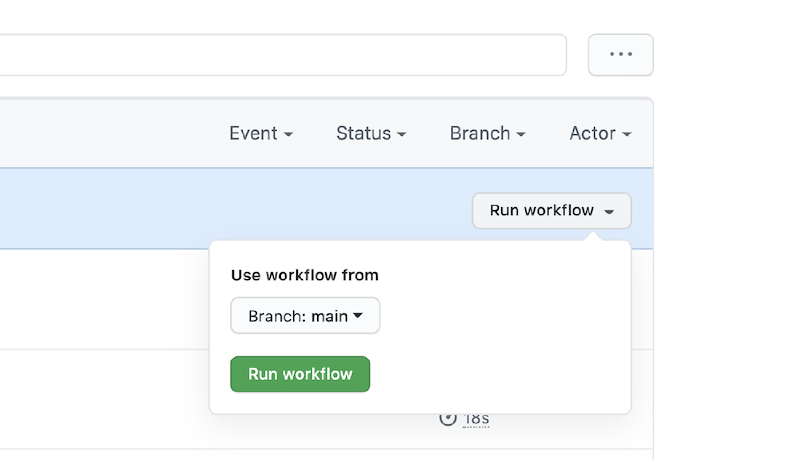
Using GitHub Actions’ workflow_dispatch, you can manually trigger a defined Workflow.
For details, please read the official documentation.
Determining if a GitHub Actions workflow was triggered by workflow_dispatch#
It might not be a common example, but I had a case where I wanted to determine if a Workflow was executed by workflow_dispatch. Roughly, the premise was like this:
- There is already a mechanism to create a tag and push it by commenting a specific string in a review on a PR from a release branch.
- I want to execute the above via
workflow_dispatchas well. - In the case of
workflow_dispatch, I want to skip the “is it a release branch” check and tag it.
I wondered how to determine this, so I looked it up.
As mentioned at the beginning, you can determine if it’s an execution via workflow_dispatch by describing it as follows:
github.event_name == 'workflow_dispatch'Bonus#
I wanted to judge multiple conditions in the yml file, so I investigated how to write that. As of 2021/04/11, it is not mentioned in the official documentation, but you can specify multiple lines of conditions by writing as follows:
if : |
    condition1
    condition2
    condition3