※Notes記事では、英語のセッション動画やポッドキャストの内容を(雑に)英語でメモに書き残すことを行っています。本記事は、あくまで動画を見ながら、参考程度に読んでいただくことを想定しています。Notes記事には雑メモ程度のものだったり、書き起こしのようなものもあります。これから実際の動画を見る際には、本記事の内容が少しでもお役に立てば幸いです。(内容において不備、誤字脱字等ありましたら気軽にご連絡いただけると嬉しいです!m(__)m)
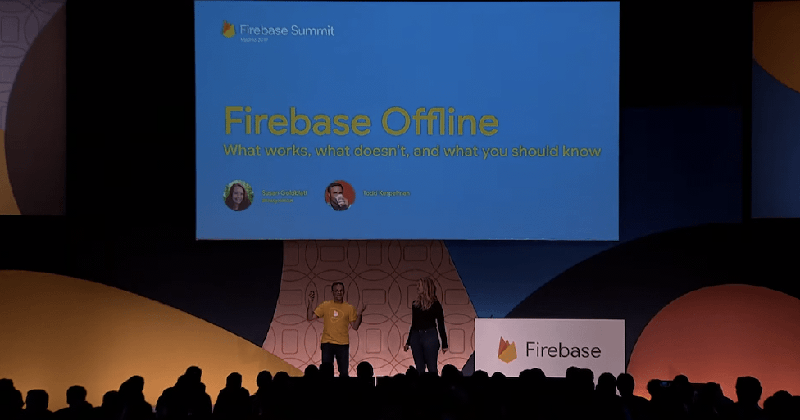
本記事は、Firebase offline: What works, what doesn’t, and what you need to know (Firebase Summit 2019)の記事です。
Should we care about offline anyway?#
Yes! Users may..
be in crowded place
go underground
Firebase is not an offline-first platform, but offline-tolerant
What works#
It (mostly) works
Caching things locally
Exponential back-off and retry
Firebase Auth#
you only have the access to the user object
you can’t login
Gotchas#
Login
Auth Persistence
Tells how long you stay logged in
Trade-off between offline-experience and security
Cloud Firestore#
How large is that cache, anyway?#
For mobile - 100MB
For web - 40MB
on-device cache is not indexed right now
unpack and scan every document you are searching
if your cache is too big or too many writes this can be quite slowly
Maybe not pre-loading your cache too much is better than overloading cache data
Adjust your cache size by configuring Firestore
Cloud Storage#
you can save large object to the cloud
specifying a reference like a path to upload and download the content
All The Measurement Libraries#
On Android, all this uploading is done by Google Play Services
That is why if your app were crashed on Android, you can see that crashed data and upload it for you
if offline, exponential back-off retry
Performance Monitoring
10MB of data, shared across all apps (Android)
10MB of data, per app (iOS)
Oldest data usually gets eliminated
Analytics
About 100,000 events
Most recent data gets eliminated
Crashlytics
- 9 crashes(up to 150k each)
Conclusion#
If you’re offline, things mostly just work
Designed for occasional offline moments, but not offline-first
- if you need complete offline experience, maybe not the right tool
Measurement tools don’t trust data that too old
- Mostly 72 hours old?
所感・まとめ・個人的に印象に残ったことなど#
Androidでは、Firebase AnalyticsやFirebase CrashlyticsはGoogle Play Services経由でログを送信している
- そのため、アプリのタスクがキルされている状態でも動作する
Firebaseはオフラインファーストのサービスではないが、通常利用によるオフライン状態(地下鉄や混雑時)などには想定されており、2つの方法を用いてオフライン対応をしている
Local cache
Exponential backoff and retry
オフライン時にもオンラインと同等のサービス提供が必須なアプリには適切なツールではないかもしれない
以上です!